Guidance on picking a photo
Tips For Uploading a Photo
Picking the right photo makes a huge difference in the end result. Here are some guidelines so you get exactly the painting you're looking for.
Recreate an existing photo
Here are tips for getting the best results if you're looking to recreate an existing photo.


Do's
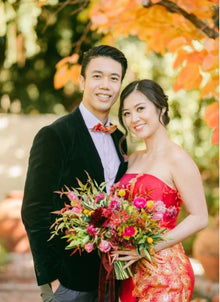
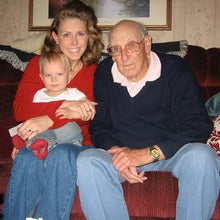
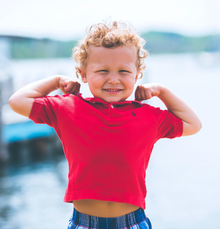
- Subject in clear focusMake sure the subjects are in frame and in clear focus
- Subjects as main focusWe find photos where the subject(s) is the main focus in the frame to be the most successful.
- Accepted file typesWe accept the following formats: jpg, png, heic, and heif.
- Well lit photoMake sure the photo and subject's face is well lit.
- A photo you loveWe keep the subjects and their face exactly the same. Make sure it's a memory you want to recreate.
Don't
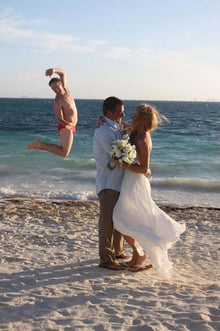
- Extra people in frameWe paint everyone we can see. Crop out anyone you don't want before uploading.
- Screenshots and re-photosMake sure you upload the original photo to achieve the best result.
- Heavy filters or shadingWe see the best results from unaltered photos. No filters. No black and white images.
- Harsh backlight or shadowsAvoid photos that are backlit or ones with heavy shadows.
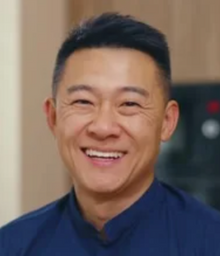
- Blur and motionAvoid blurry or out of focus photos. It will result in poor likeness/resemblance.
Combining photos to create something new
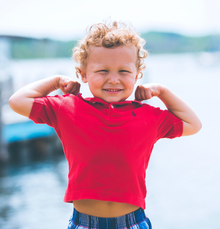
Want to create a memory by adding someone who wasn't in a particular photo? Make sure to use a photo that clearly shows the subject you want added - not them in a larger group.